
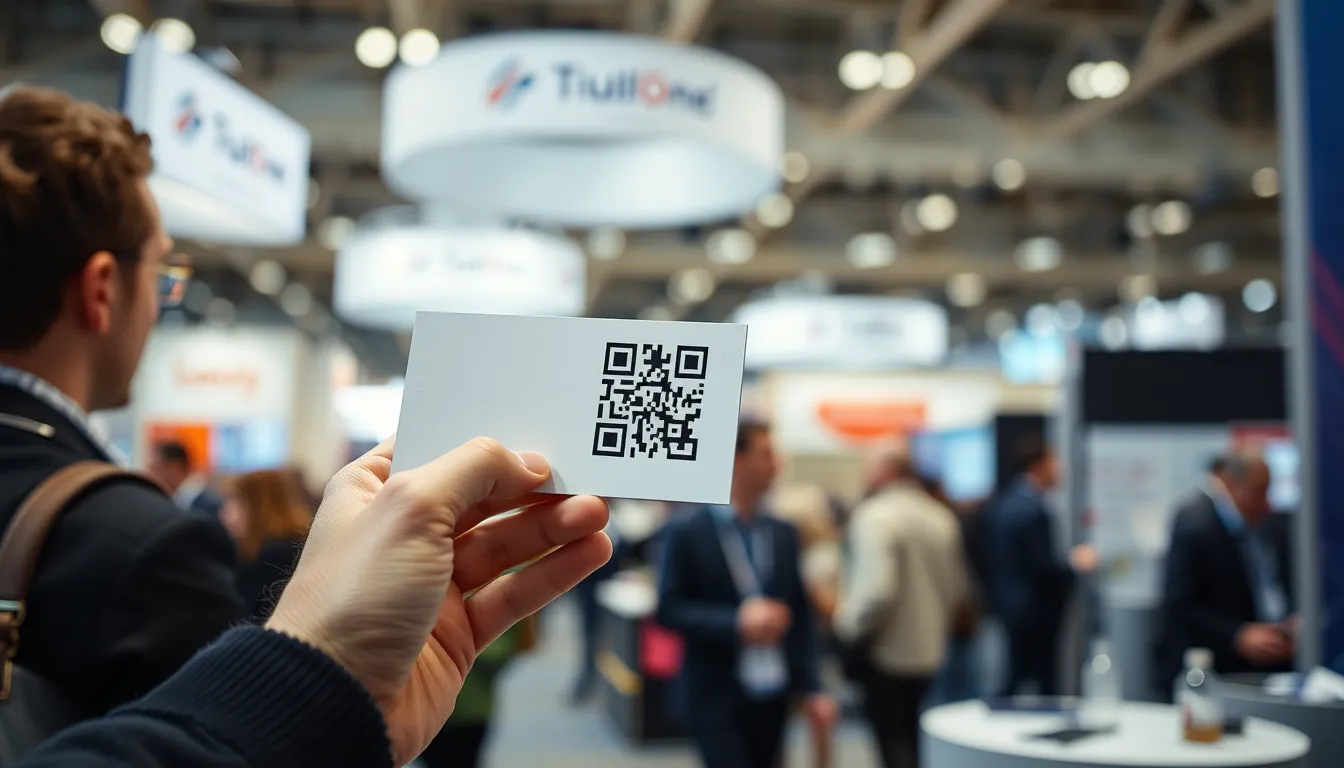
Every event ends the same way: a bowl of business cards, a notebook of half-written emails and a nagging feeling that the best conversation of the day left without leaving a number. The people most interested in what you sell are often the ones in the biggest hurry.
A lead capture QR code gives them a 20-second way to say “send me more”. They scan, see a single screen with your offer, type their name and email, and tap one button. The lead is in your list before they reach the next booth, with the time it arrived.
Why QR lead capture works
- It’s self-serve. Visitors don’t have to wait for a free salesperson. A queue at your booth stops being lost leads.
- It’s typed by the lead. No more guessing at handwriting on the back of a card.
- It’s opt-in. People who scan for your offer have raised their hand, which makes for a better first follow-up.
- It works after hours. A QR in a shop window or on a brochure keeps collecting leads when nobody is there.
Free tool · try it here
Preview your lead capture page
One screen, three fields. Change the offer and watch the phone update.
Lead Capture · One-screen contact form, instead of a form builder.
Get the full brochure
Leave your details and we’ll send it over.
Name
Leads land in your dashboard, export to CSV or sync live to Google Sheets, and you get an email alert.
Create my lead capture QRLead with an offer, not a form
Nobody wants to “sign up for updates”. They want a thing: the price list, the floor plan, the slides, a sample, a discount. Put that thing in the headline of the form and on the sign next to the QR code. The form is just how they get it.
| Where | Offer that gets scans |
|---|---|
| Trade show booth | “Get the price list and spec sheet emailed to you.” |
| Real estate open house | “Get the floor plan and similar listings in this area.” |
| Retail shop window | “Join the list for first access to the next drop.” |
| Brochure or catalogue | “Request a callback or a free sample.” |
| Workshop or talk | “Get the slides and the recording.” |
| Restaurant or café | “Get 10% off your next visit.” |
Set up your lead capture QR
- Open Lead Capture and add your business name.
- Write a headline that names the offer (“Get the full brochure”) and one line that says what happens next (“We’ll email it within the hour”).
- Change the button text to match the offer. “Send me the brochure” beats “Submit”.
- Email is always collected. Turn on phone only if you’ll actually call.
- Connect Google Sheets if your team follows up from a spreadsheet or CRM.
- Download the QR with a frame like GET IN TOUCH or your own text, and print it.
Placement at a booth
- At eye level, facing the aisle. People decide whether to stop in about three seconds. The QR and the offer should be readable from the walkway.
- Big enough for the distance. From two metres away, the code needs to be about 20 cm wide. Check with the size calculator.
- A second, small one on the table. For people already talking to you, a table card makes “just scan this” the natural close.
- On everything you hand out. Brochures and samples travel home. A QR on the back keeps working after the show.
Follow up while the lead is warm
The value of a lead drops fast. Send the promised offer the same day, ideally within the hour. Because leads arrive with a timestamp, you can sort by time and remember who you spoke to. Email alerts are grouped (at most one every 15 minutes per form), so a busy day gives you a steady trickle, not hundreds of emails.
Want to know which placement worked? Use a separate lead QR for the booth, the brochure and the window, and compare the counts. HoldQR’s scan tracking counts scans too. Compare scans with completed forms: lots of scans and few leads means the form or the offer needs work.
Need more than contact details?
Lead Capture is deliberately short. If you need to ask about budget, timeline or product interest, use a form QR code with your own questions. If you want people to message you right away, a WhatsApp QR code starts the chat instead. See every option in QR code apps.
Frequently asked questions
What is a lead capture QR code?
It is a QR code that opens a short contact form on the scanner’s phone. They enter their name and email (and phone if you ask), tap the button and their details go straight to your dashboard, ready to export or sync to Google Sheets.
Is it better than a badge scanner at a trade show?
They do different jobs. Badge scanners capture everyone you talk to, but they cost money per event and only work where the organiser provides them. A lead QR works anywhere, costs nothing extra per event, and captures people who opted in because they wanted your offer, which usually means warmer leads.
How do I get the leads into my CRM?
Export them as a CSV from the dashboard and import into your CRM, or connect Google Sheets so every new lead is added as a row as it arrives. Most CRMs can import from a Google Sheet.
How many fields should the form have?
As few as you need to follow up. Name and email is the default; add phone only if you will actually call. Every extra field lowers the number of people who finish.
Will I be notified when a lead comes in?
Yes. You get an email when new leads arrive, grouped so you get at most one email every 15 minutes per form, even on a busy show day.