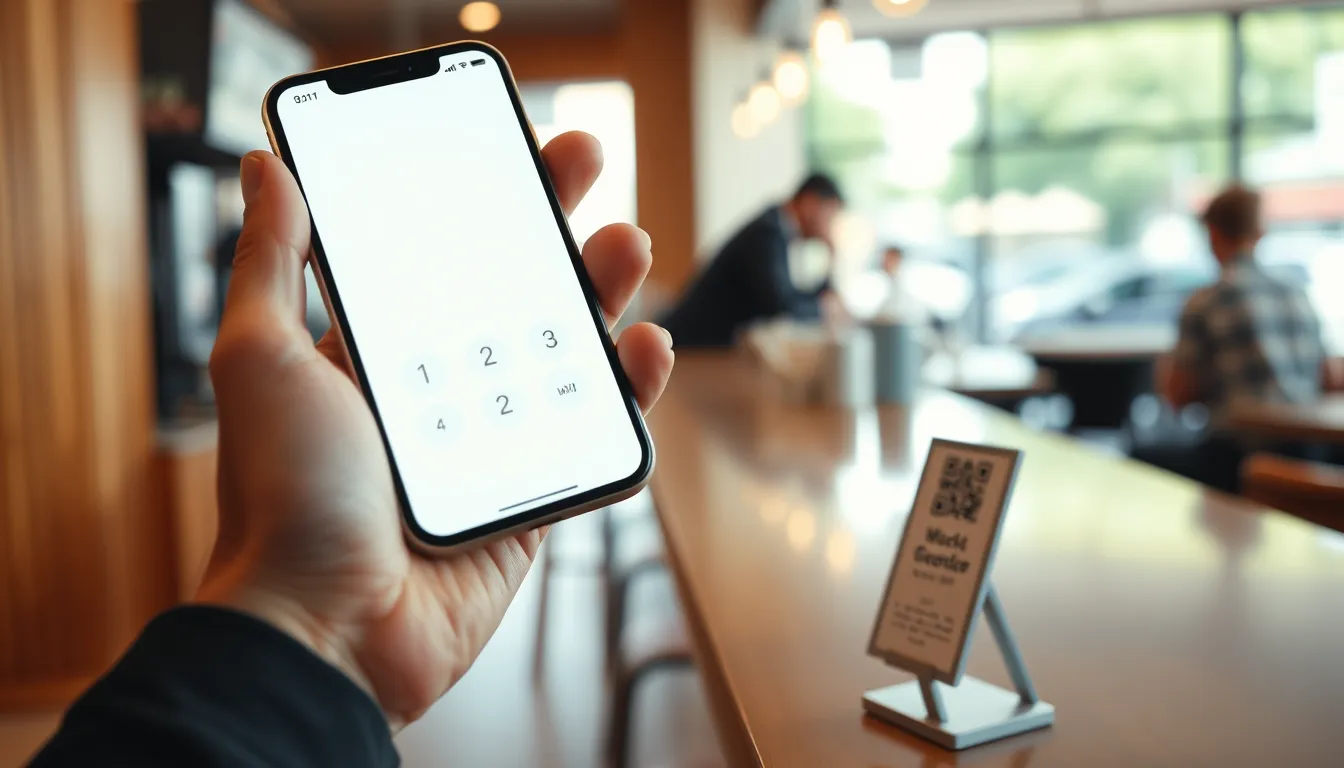
Most QR codes do one thing: open a web page. That’s fine when the page is the point. But a lot of the time you want something back from the person scanning. You want their photos, their CV, their email address, their opinion or their RSVP. A plain link can’t do that unless you build the page behind it.
QR code apps close that gap. A QR app is a small, mobile-first page made for the scan. It asks for one thing, works in any phone browser, and sends the result straight to your dashboard. Nobody installs anything, and nobody signs up.
QR link vs QR app
Think of it as the difference between a door and a counter.
- A QR link is a door. It takes people somewhere, and what happens next is up to the page.
- A QR app is a counter. People hand you something (a file, a rating, their details) and you get it, sorted and timestamped.
Because HoldQR QR apps sit behind a dynamic QR code, the printed code never has to change. You can edit the questions, pause the app after an event or set a closing date, and the code on the paper stays the same.
Free tool · try it here
Which QR app fits your scan?
Tap an app to see what it does and what it replaces.
Collect
Photo Drop
Guests share photos to one event album, instead of a shared-album app.
SHARE YOUR PHOTOS
Set it up in a couple of minutes. Scanners need no app and no sign-up, and you can edit the app after the QR is printed.
Create a Photo Drop QR11 QR apps and when to use each
Photo Drop
Guests upload photos and short clips to one shared album.
Good for: Weddings, parties, school events, conferences.
Instead of: A WhatsApp group full of compressed copies.
File Drop
People upload CVs, PDFs, documents or images straight to you.
Good for: Hiring desks, classrooms, print shops, clinics.
Instead of: Emailing attachments to a shared inbox.
Lead Capture
A one-screen form for name, email and (optionally) phone.
Good for: Trade shows, open houses, brochures, shop windows.
Instead of: A fishbowl of business cards.
Smart Form
Your own questions, with answers synced to Google Sheets.
Good for: Registrations, RSVPs, attendance, quick surveys.
Instead of: Building and sharing a Google Form.
Private Feedback
A star rating, topic tags and a comment that reach only you.
Good for: Restaurants, salons, hotels, clinics, gyms.
Instead of: A paper comment card or a long survey link.
Google Reviews
Opens your Google review box in one tap.
Good for: Any local business with a counter or table.
Instead of: “Search for us on Google and leave a review.”
Business Profile
Call, WhatsApp, directions, UPI pay, hours and Wi-Fi on one page.
Good for: Shops, cafés, freelancers, service businesses.
Instead of: A visiting card plus five separate QR codes.
Gift Message
A message, photos and a voice note behind a QR, optionally sealed until a date.
Good for: Birthdays, anniversaries, weddings, thank-yous.
Instead of: A card that gets thrown away.
WhatsApp Direct
Starts a WhatsApp chat with your number and a ready-made message.
Good for: Orders, bookings, support, real estate enquiries.
Instead of: Asking people to save and type your number.
Video Spotlight
Plays a video with a clear button underneath (shop, book, sign up).
Good for: Packaging, posters, product inserts, creators.
Instead of: A bare YouTube link with no next step.
Product Authenticity
A unique serial QR per unit that buyers scan to check it’s genuine.
Good for: Cosmetics, supplements, fashion, electronics.
Instead of: Hologram stickers anyone can reprint.
Three questions to pick the right one
1. What do you want back from the scan?
Start with the result, not the feature. If you want photos, it’s Photo Drop. Documents, File Drop. A way to follow up, Lead Capture. Answers to specific questions, a Smart Form. An opinion, Private Feedback or Google Reviews. If you don’t want anything back and just need to give people options (call, pay, get directions), use a Business Profile.
2. How long does the person have?
Someone at a trade show booth has 20 seconds. Someone sitting at a café table after a meal has two minutes. Keep apps for busy moments down to one screen (Lead Capture, Google Reviews). Save longer forms for moments when people are seated and waiting.
3. Who needs to see the responses?
If a team works from a spreadsheet, connect Google Sheets so every response lands as a new row. If it’s just you, the dashboard and email alerts are enough. If you collect personal details, say on the page what you’ll use them for. It’s good practice and builds trust.
How to set one up
- Open QR apps and choose the app that matches the result you want.
- Add your business name and fill in the few fields it asks for (the welcome text, questions or link).
- Scan the preview on your own phone and go through it as a customer would.
- Download the QR code with a clear call to action in the frame, like “DROP YOUR FILES” or “RATE YOUR VISIT”.
- Print it where people already pause: counters, tables, booths, packaging, name badges.
Before you print a big run, test the code at its real size and check it’s big enough for the scan distance.
Guides for each QR app
- How to collect files with a QR code
- Lead capture QR codes for events and trade shows
- How to make a QR code for a form
- QR code feedback forms
- Product authenticity QR codes
- How to collect wedding photos from guests
- How to create a Google review QR code
- Digital business cards for small businesses
- QR code birthday messages
- How to create a WhatsApp QR code
Frequently asked questions
What is a QR code app?
A QR code app is a small mobile page that opens when someone scans your QR code and lets them do something: upload a photo, send a file, fill a form, rate a visit or verify a product. It runs in the phone’s browser, so nobody has to install anything.
Do people need to download an app to use it?
No. The scanner’s camera opens a web page. There is no app store step and no sign-up for the person scanning.
Can I change what the QR code does after printing?
Yes. HoldQR QR apps sit behind a dynamic QR code, so you can edit the questions, text or settings, pause it, or set a closing date, and the printed code keeps working.
Where do responses and uploads go?
To your HoldQR dashboard. You can export responses to CSV, sync them live to Google Sheets, and get an email when new responses arrive (at most one email every 15 minutes per app, so busy events don’t flood your inbox).
How is a QR app different from a QR code that links to my website?
A link only opens a page. A QR app is built for the scan: it loads fast on mobile data, asks for one thing, and sends the result back to you, so you don’t have to build forms, upload handling or a database yourself.