
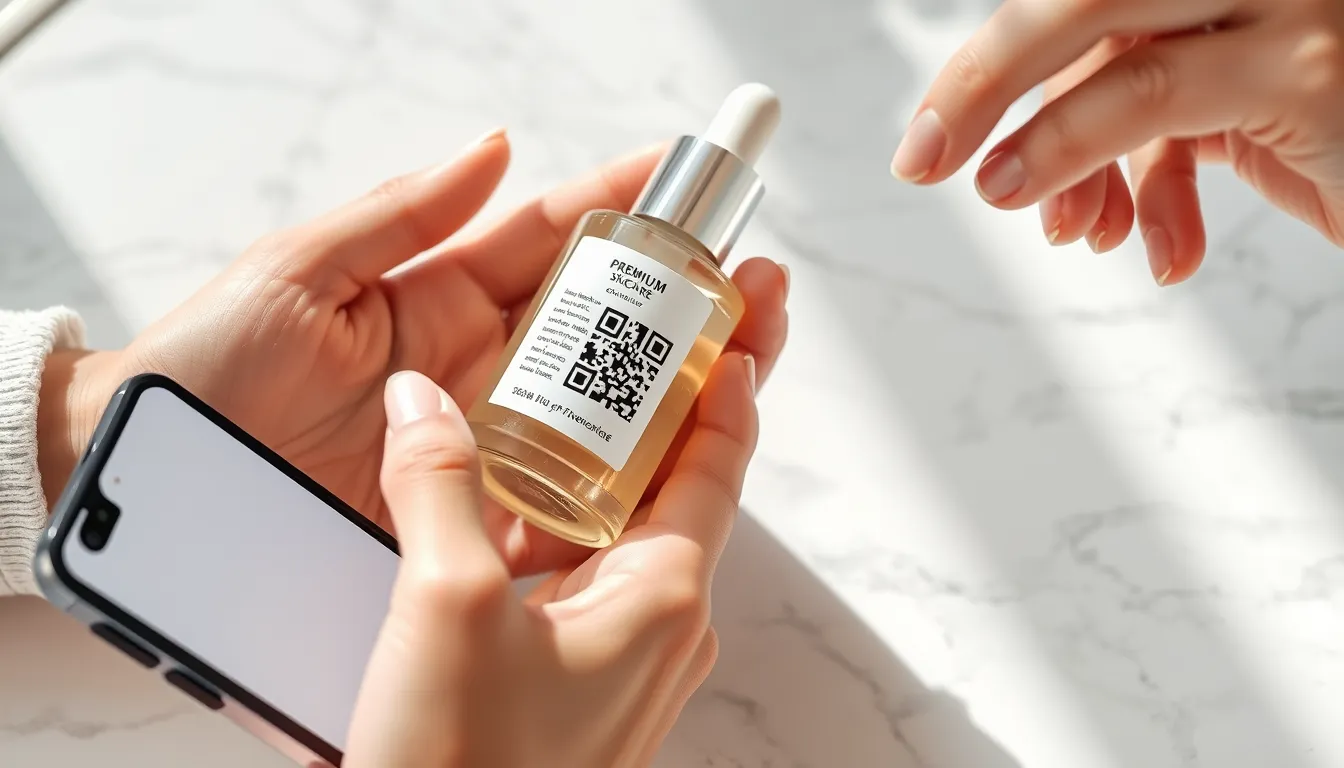
If your product sells well, someone will eventually copy it. Small brands in cosmetics, supplements, fashion, spare parts and electronics see it first on marketplaces: same box, same logo, a price that’s a bit too good. The buyer gets a fake, and your brand gets the one-star review.
Hologram stickers used to be the answer, but anyone can order the same stickers. A product authenticity QR code works differently. Every unit carries its own serial QR, and every scan of that serial is counted. Copying the code is easy. Copying it without getting caught isn’t.
How serial QR verification works
- One serial per unit. You generate a batch of unique serial codes, one for each box, bottle or tag.
- The buyer scans. The page shows your brand, the product and a clear “Genuine product” confirmation with the serial and how many times it has been scanned.
- Every scan is counted. The system records how many times each serial was scanned and in which countries.
- Copies give themselves away. A genuine unit is scanned a handful of times by its owner. A serial scanned more than five times (the default) or in more than two countries is probably printed on fakes. The page tells the buyer to check with you before trusting it.
Free tool · try it here
See what a buyer sees when they scan
Each unit gets its own serial QR. Simulate repeat scans to see the copy warning.
Product Authenticity · A serial code on every product that buyers scan to check it’s real, instead of hologram stickers anyone can reprint.
Your brand
Genuine product
Rose Face Serum · serial HQ-7F3K-21 is registered to this brand.
Generate up to 50 serials free, or 10,000 with lifetime access. Every scan is counted per serial and per country.
Protect my productsWhat it can and can’t do
Be clear-eyed about this, because your customers will be.
- It can tell a buyer that a serial is really yours, warn them when a serial looks copied, and show you which serials and countries are being hit.
- It can deter casual counterfeiters, who would need a different real serial for every fake to avoid detection.
- It can’t stop the very first scan of a perfectly copied, never-scanned label from showing as genuine. The scan counter is what catches the copy, so it catches it on later scans.
- It isn’t cryptographic anti-counterfeiting or a tamper-proof seal. For high-value goods, combine it with tamper-evident labels.
Set it up
- Open Product Authenticity and enter your brand and product name.
- Add a short note buyers will see (materials, origin, care), a support email and a link to the official product page.
- Choose when to warn: once one serial passes a number of scans (default 5) or a number of countries (default 2).
- Generate a batch of serials, up to 1,000 at a time, and give it a name like the production run or date.
- Download the batch as a ZIP of QR images plus a CSV of serials, and send it to your label printer.
Printing a unique code on every unit
You don’t need special equipment. Most label printers and print shops support variable data printing: they merge a CSV of codes into one label design so each label gets its own QR. Ask for it by name. Keep the code at least 2 cm wide on small bottles, leave a white margin around it and avoid placing it across a curve or a fold. Our guide to QR codes on packaging covers size and finish in detail.
Put the code where a buyer can scan it before paying in a shop and as soon as they open the parcel online. Inside the lid or under a scratch-off panel makes it harder for counterfeiters to harvest serials from sealed stock on shelves.
Tell buyers to scan
A verification code only works if people use it. Print a short line next to it, such as “Scan to check it’s genuine”, mention it on your product pages and marketplace listings, and add it to the insert card. Buyers who scan once get used to checking, and they’re the ones who will report a fake to you instead of reviewing it.
Watch the dashboard
Your dashboard shows each batch, how many serials it has and which ones have been flagged. A cluster of flagged serials from one batch tells you which shipment or distributor leaked. Combined with scan tracking, it gives you a map of where your products, and the copies, are turning up. For more ways to use QR codes on packaging, see QR codes for packaging and all QR apps.
Frequently asked questions
How does a QR code prove a product is genuine?
Each unit gets its own serial QR code. Scanning it checks that the serial exists in the brand’s records and counts the scan. A genuine unit is usually scanned once or twice by its buyer. A serial copied onto many fakes gets scanned again and again, often in different countries, and the page warns the buyer.
Can someone just copy the QR code?
Yes, any printed QR can be photocopied. That is why authenticity QR codes count scans per serial. A copied code works once or twice, then the scan count gives it away and buyers see a warning. It is a strong deterrent and an early signal, not an unbreakable seal.
How many serial codes can I create?
Up to 50 serials on a free account, or 10,000 with HoldQR Lifetime, created in batches of up to 1,000 at a time.
How do I print a unique QR code on every unit?
Download a batch as a ZIP of QR images plus a CSV of serials. Most label printers and print shops can merge a CSV of codes into a label template (variable data printing), so every label gets its own QR.
What does a buyer see when they scan?
A page with your brand and product name confirming the serial is registered, how many times it has been scanned, your product details and a support contact. If the serial looks copied, they see a warning to contact you before buying.